Managing multiple educational platforms shouldn't feel like juggling. When teachers have to switch between systems, copy student lists manually, and re-enter grades, valuable instructional time is lost. That's why Samio Schools now integrates directly with the learning management systems (LMS) your school already uses.
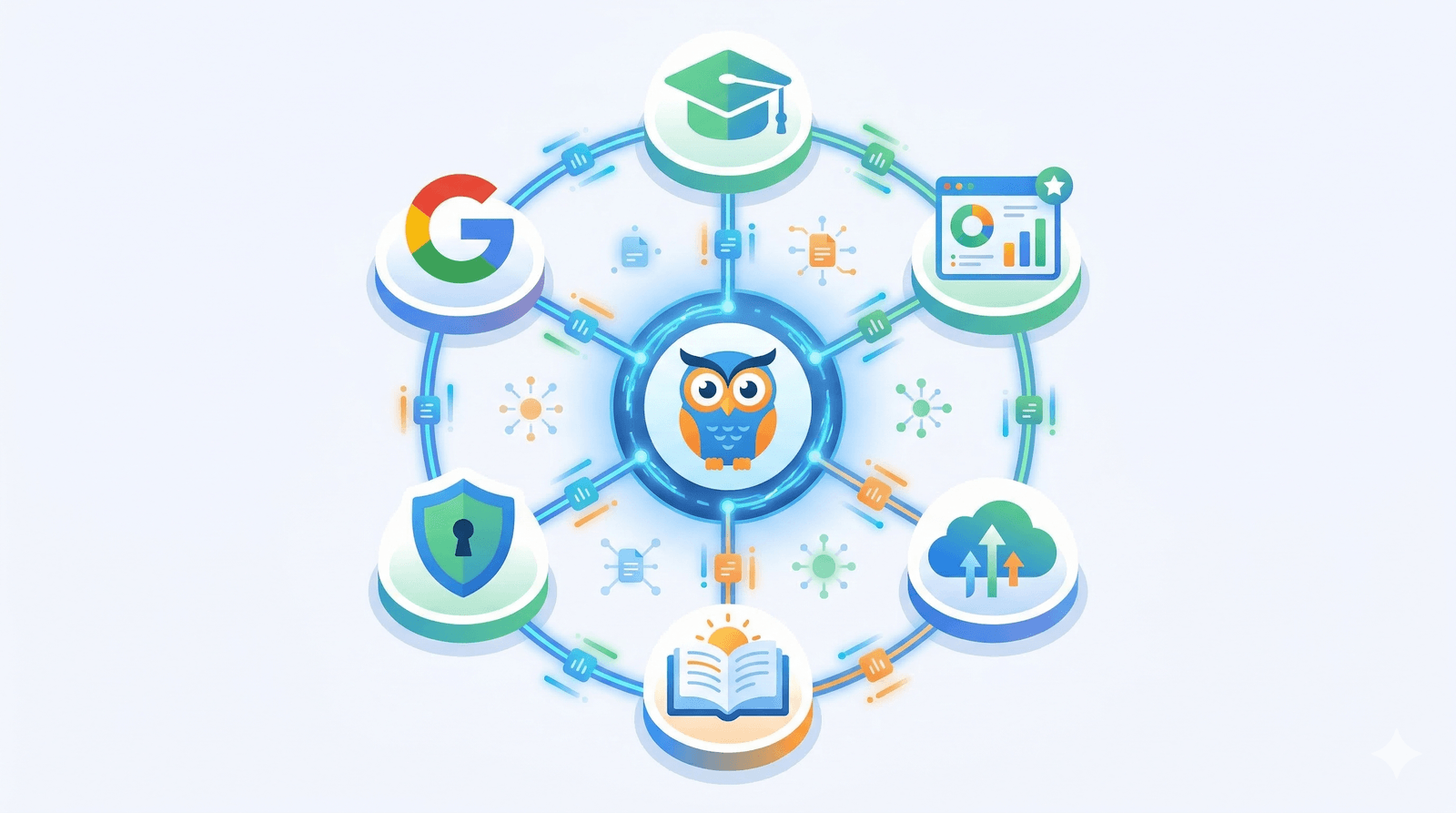
Whether your school runs Moodle, Canvas, Blackboard, Brightspace, Schoology, Sakai, or Google Classroom, Samio connects seamlessly — bringing adaptive practice in mathematics, reading, grammar, science, and physics right into the tools your teachers and students know.
Why LMS Integration Matters
When a learning tool works inside the platform teachers already use, adoption increases and friction disappears. Here's what integration unlocks:
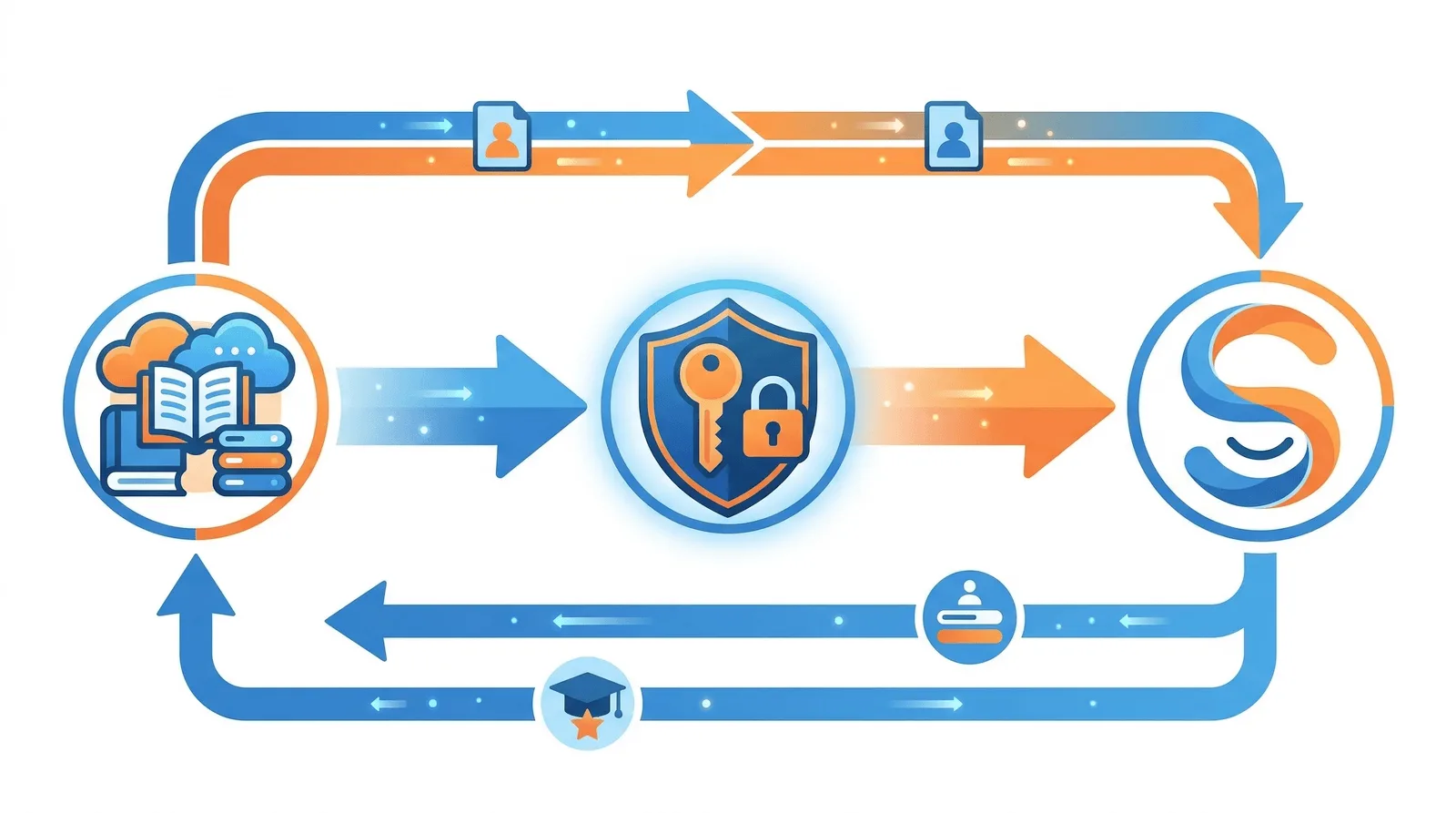
- Single sign-on (SSO) — Students launch Samio from their LMS without creating separate accounts or remembering extra passwords.
- Automatic roster sync — Class lists, student names, and group memberships are pulled from the LMS automatically, eliminating manual data entry.
- Grade pass-back — Exercise results and progress scores flow back to the LMS gradebook in real time, giving teachers a unified view of achievement.
- Reduced admin burden — IT administrators configure the connection once; after that, teachers and students enjoy a zero-friction experience.
- Data privacy — LTI 1.3 uses secure token exchange with no passwords shared between systems. COPPA compliance is maintained throughout.
Supported Platforms
Samio Schools supports integration with the most widely-used LMS platforms in primary and secondary education worldwide:
LTI 1.3 Platforms
Moodle (3.7+), Canvas by Instructure, Blackboard Learn, Brightspace by D2L, Schoology (PowerSchool), and Sakai all connect via the LTI 1.3 standard — the industry protocol for secure tool interoperability.
Google Classroom
Google Classroom uses a separate OAuth 2.0 flow. Samio imports your Classroom courses, syncs rosters, and pushes progress updates — all managed from the Samio dashboard.
How It Works: The 5-Step Wizard
Setting up an LMS integration in Samio takes minutes, not hours. The built-in wizard guides administrators through five straightforward steps:
Step 1: Choose Your Platform
Select your LMS from the platform grid. Samio displays tailored instructions for each platform.
Step 2: Copy Samio URLs
Copy the Tool URL, Login URL, Keyset URL, and Redirect URI from Samio. You'll paste these into your LMS configuration.
Step 3: Configure Your LMS
Follow the platform-specific instructions to register Samio as an external tool in your LMS. Each platform has numbered steps with hints for endpoint URLs.
Step 4: Register the Connection
Enter the Client ID, auth endpoint, token endpoint, and keyset URL generated by your LMS back into Samio. Choose default settings for stage, language, and enabled modules.
Step 5: Test & Verify
Launch a test session from your LMS to verify SSO works. Trigger a roster sync and confirm students appear in the Samio dashboard.
Single Sign-On: One Click, No Passwords
With LTI 1.3, authentication is handled via secure JWT tokens exchanged between your LMS and Samio. Students click a link in their LMS and are automatically recognised — no usernames or passwords required.
For Google Classroom, teachers authorise Samio once via their Google admin account. After that, students access Samio through a shared link in their Classroom assignments.
Automatic Roster Synchronisation
Keeping class lists in sync across platforms is a common pain point. Samio's roster sync uses the LTI Names and Role Provisioning Service (NRPS) to automatically import students, teachers, and class memberships from your LMS.
When a new student is added to a course in Moodle or Canvas, they automatically appear in the matching Samio class group. No manual re-entry needed.
Grade Pass-Back
Every exercise a student completes in Samio generates a progress score. With the Assignment and Grade Service (AGS) enabled, these scores are sent back to your LMS gradebook automatically.
Teachers see Samio results alongside work from other tools — all in one gradebook. This makes it easy to track student performance holistically without switching between dashboards.
Beyond the LMS: What Makes Samio Different
While traditional LMS platforms focus on content delivery and assessment, Samio goes further with adaptive practice powered by a Smart Engine. The platform continuously adjusts difficulty based on each student's performance, ensuring every child works at the right level.
Samio doesn't replace your LMS — it enhances it. Think of Samio as the intelligent practice layer that sits inside your existing workflow. The LMS handles course structure and communication; Samio handles the actual learning exercises.
With support for 7 languages and curriculum-adapted content for different countries, Samio serves diverse classrooms without requiring additional configuration.
Get Started Today
LMS integration is available on all Samio for Schools plans. Sign up for a 14-day free trial, connect your LMS in minutes with the setup wizard, and give your students instant access to adaptive practice.
FAQ
Is LMS integration included in all pricing plans?
LMS integration is included in the School plan ($159/month) at no extra cost — LTI 1.3, Google Classroom and SSO are School-plan capabilities. The Homeschool and Classroom plans don't include them.
Which LTI version does Samio support?
Samio supports LTI 1.3, the latest standard from IMS Global. LTI 1.1 is not supported due to security limitations.
Does Samio collect personal student data through the LMS?
No. Samio is COPPA compliant and only stores nicknames and age ranges. No email addresses, photos, or personal identifiers are collected through the LMS integration.
Can I connect multiple LMS platforms at once?
Yes. You can register multiple platform connections from the Integrations page. Each connection is independent and can be configured with different default settings.
What if my LMS isn't listed?
If your LMS supports LTI 1.3, you can use the 'Other LTI 1.3 Platform' option in the wizard. For platforms that don't support LTI, contact us at info@samiolearning.com to discuss alternatives.