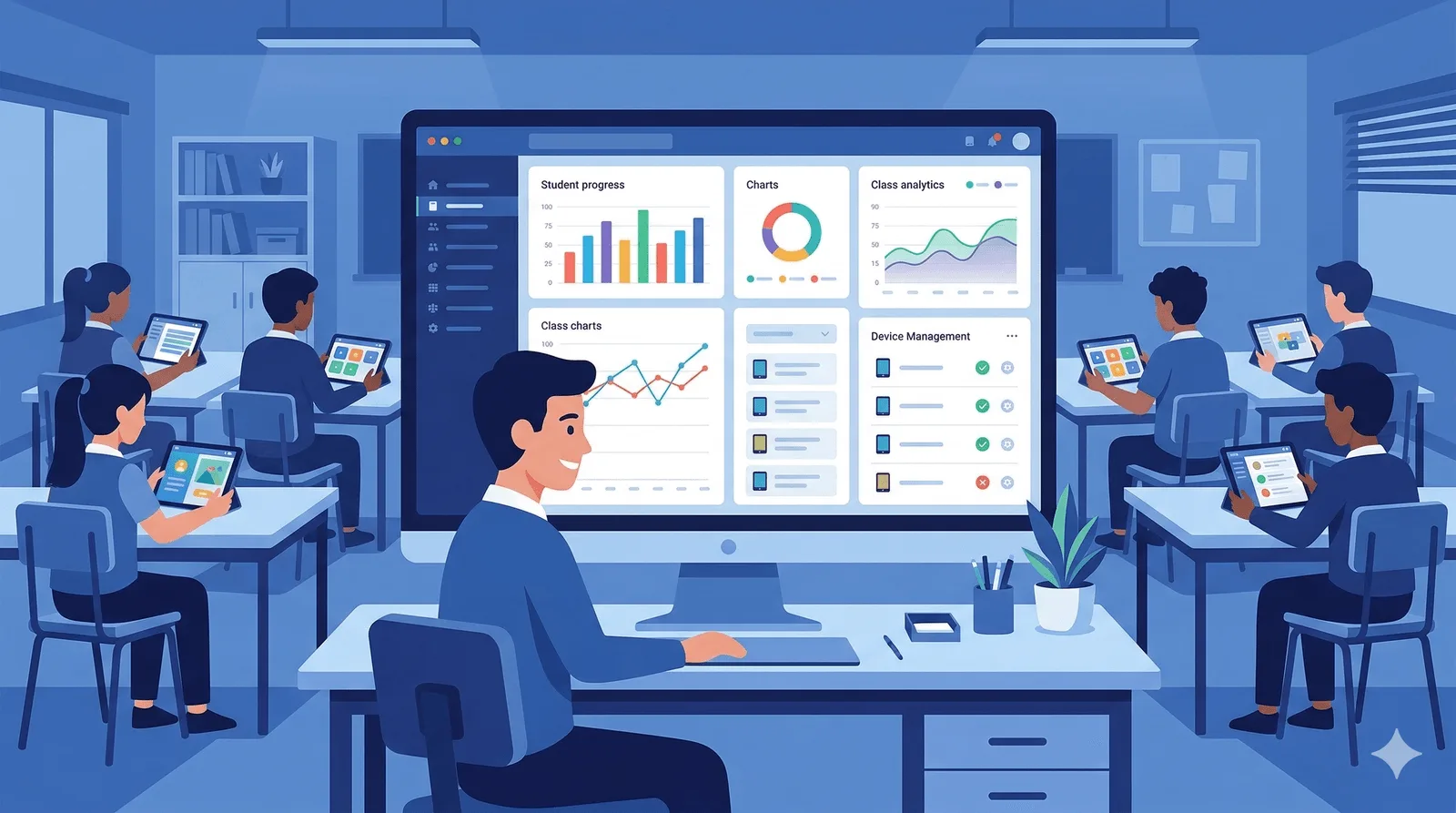
Managing a classroom of 20–30 students while delivering personalized learning is one of the biggest challenges in education. Classroom management software for teachers — sometimes called a classroom management app, or simply an app to manage classes — helps educators track student progress, communicate with families, and organize learning activities. But which classroom management app is right for your school?
We compared four of the most widely-used classroom management apps for primary schools based on student analytics, curriculum alignment, ease of use, privacy, and cost. Whether you need a lightweight app to manage classes or full-fledged classroom management software for teachers across an entire school, the right pick depends on what your teachers actually do every day.
Why classroom management apps matter
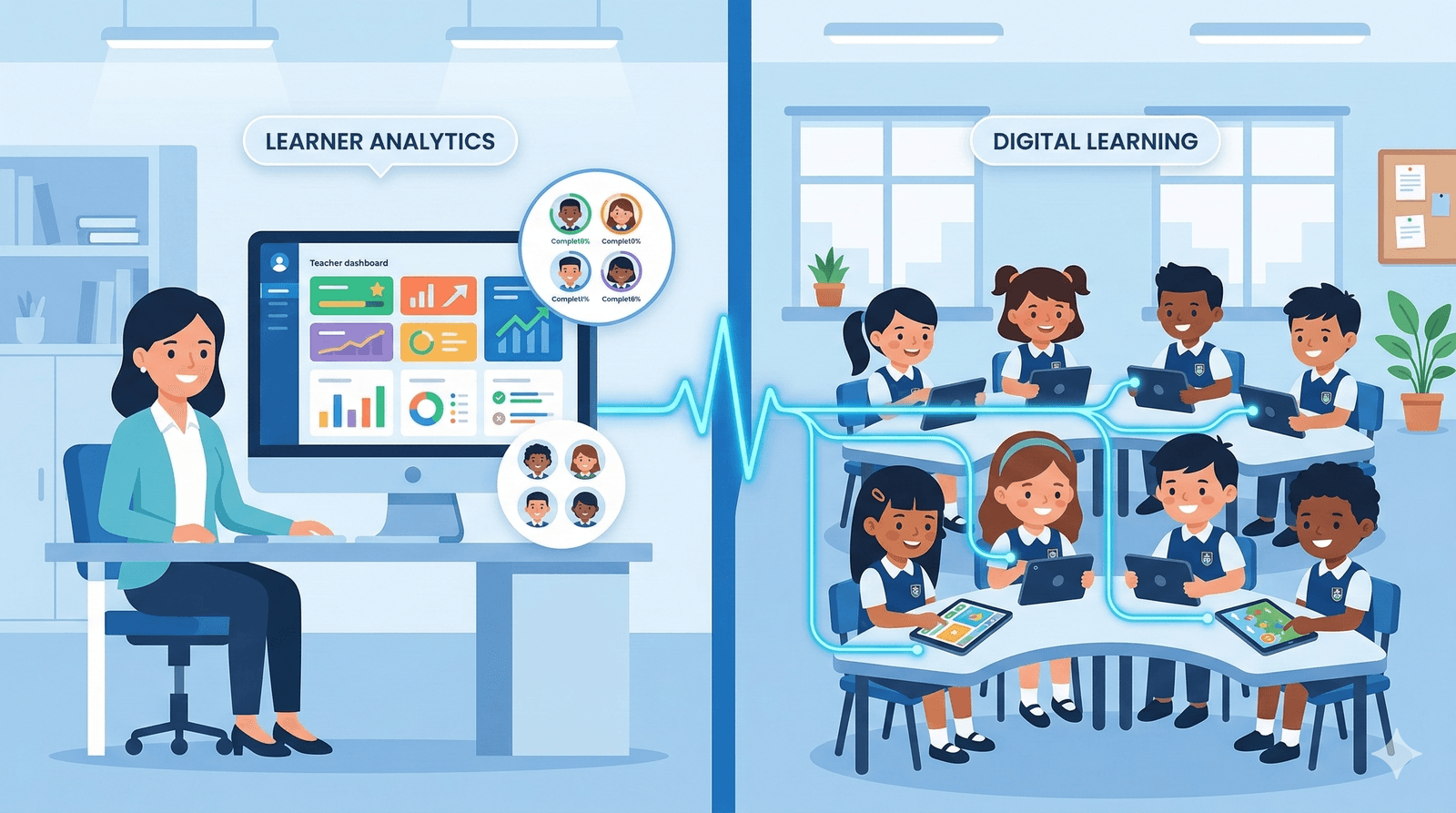
The right classroom management tool can transform how teachers operate — replacing manual spreadsheets and paper-based tracking with real-time dashboards that surface actionable insights. Key benefits include:
- Real-time visibility into each student's learning progress
- Early identification of students who need additional support
- Reduced administrative workload for teachers
- Better communication between teachers, students, and parents
- Data-driven decisions about curriculum pacing and differentiation
What to look for in a classroom management tool
- Student analytics — Can you see per-student progress in real time?
- Curriculum alignment — Does it match your school's academic program?
- Custom activities — Can teachers create targeted exercises or challenges?
- Device management — Can shared tablets be managed centrally?
- Data privacy — Is it COPPA compliant? What student data is collected?
- Multi-language support — Does it support multilingual classrooms?
- Cost — What's the pricing per classroom or school?
Classroom management tools compared
1. Samio for Schools
Best for: Multi-subject student analytics with adaptive learning
What sets Samio apart from general-purpose classroom tools is that it combines subject-specific adaptive learning with classroom management. Teachers don't just see behavioral data — they see exactly which math operations a student struggles with, which reading stages they've mastered, and how their accuracy is trending over time.
- Real-time student analytics across 5 subjects
- Custom challenges and quizzes
- Class group management with multiple classrooms
- Yearly curriculum planner
- Device management with auto-accept
- Data exports for reports
- COPPA compliant — only nicknames and age ranges
- 7 languages supported
- Homeschool plan: $4.99/month (10 students, 1 parent-teacher)
- Classroom plan: $19/month (60 students, 1 teacher, 4 classes)
- School plan: $159/month (1,500 students, unlimited teachers)
2. Google Classroom
Best for: General-purpose class organization and assignments
Google Classroom is the most widely-used classroom management platform globally. It integrates tightly with Google Workspace (Docs, Slides, Sheets) and provides tools for creating assignments, distributing materials, and grading work.
Google Classroom excels at organization and communication but doesn't include built-in adaptive learning or subject-specific analytics. It's a management layer, not a learning tool. For primary schools, teachers often pair it with separate educational apps.
- Assignment creation and distribution
- Grading and feedback tools
- Google Workspace integration
- Parent/guardian communication
- Free for schools with Google Workspace for Education
- Available in 40+ languages
3. ClassDojo
Best for: Behavior management and family communication
ClassDojo is a behavior management app focused on tracking positive behaviors and building classroom community. Teachers award points for things like participation, teamwork, and perseverance. Parents can see their child's behavior reports in real time.
ClassDojo is excellent for building classroom culture, particularly in younger grades. However, it doesn't provide academic analytics or subject-specific learning tools. It's a complement to educational apps, not a replacement.
- Behavior point tracking
- Family messaging and communication
- Digital portfolios for students
- Classroom stories (like a social feed)
- Free core features; premium $6.99/month per teacher
- Available in 35+ languages
4. Seesaw
Best for: Student portfolios and creative learning evidence
Seesaw provides tools for students to create multimodal learning evidence — photos, videos, drawings, and text responses. Teachers can create activities, and students document their learning by capturing and reflecting on their work.
Seesaw is strong for portfolio-based assessment and creative expression. It encourages student voice and agency. However, it doesn't offer adaptive learning or fine-grained academic analytics like subject-specific apps do.
- Student digital portfolios
- Multimodal activity creation (photo, video, drawing, text)
- Family engagement portal
- Assessment and feedback tools
- Free core features; Seesaw for Schools pricing varies
- Available in 55+ languages
Comparison summary
| Feature | Samio for Schools | Google Classroom | ClassDojo | Seesaw |
|---|---|---|---|---|
| Student academic analytics | ✅ Real-time | — | — | — |
| Adaptive learning built-in | ✅ | — | — | — |
| Custom challenges/quizzes | ✅ | — | — | — |
| Behavior tracking | — | — | ✅ | — |
| Family communication | — | ✅ | ✅ | ✅ |
| Device management | ✅ | — | — | — |
| Curriculum planner | ✅ | — | — | — |
| Data exports | ✅ | — | — | — |
| COPPA compliant | ✅ | ✅ | ✅ | ✅ |
| Multi-language | ✅ | 40+ | 35+ | 55+ |
Which tool is right for your school?
- If you need subject-specific student analytics with built-in adaptive learning — Samio for Schools gives teachers the deepest academic insights across reading, math, writing, and more.
- If you need a general-purpose assignment and communication hub — Google Classroom is the industry standard, especially for schools already using Google Workspace.
- If your priority is behavior management and family engagement — ClassDojo excels at building positive classroom culture with parent visibility.
- If you want portfolio-based assessment and creative documentation — Seesaw enables students to showcase and reflect on their learning.
- Many schools use multiple tools together — for example, Google Classroom for organization + Samio for Schools for adaptive learning analytics + ClassDojo for behavior.
Getting started
Most classroom management tools offer free trials or free tiers. We recommend starting with a small pilot: choose one classroom, set clear goals, and evaluate for 2–4 weeks before expanding school-wide.
Samio for Schools Samio for Schools offers a 14-day free trial on all three plans — Homeschool ($4.99/month, up to 10 students), Classroom ($19/month, up to 60 students) and School ($159/month, up to 1,500 students). Schools in lower- and middle-income countries pay 50–75% less under equity pricing.