There is a narrow window at the start of every school year — after the class lists arrive, before the routines harden — when changing your classroom tools costs almost nothing. The same change in November means re-training a class mid-term. This checklist is for that window: what to keep, what to cut, and how to set up the keepers in a single afternoon.
It's written for primary school teachers first, but the same steps scale down to a homeschool table — there's a section at the end for homeschooling families, and for how the kids' Samio app connects to the classroom platform.
Step one: audit before you add
Before installing anything new, spend twenty minutes on last year's stack and ask one question per tool: did it save time or cost time? Be ruthless about the difference between tools you used and tools you meant to use. A messaging app the parents actually opened: keep. The quiz platform you touched twice a term because making quizzes took an evening: cut, or replace with something that makes them for you.
The pattern worth breaking is tool sprawl — one app for behaviour, one for quizzes, one for messaging, one for portfolios, each with its own login and its own silo of data. Every extra tool is a tax on your week. The 2026 direction of travel is consolidation: fewer platforms that each do more, connected to the LMS you already have rather than competing with it.
Step two: the one-afternoon setup
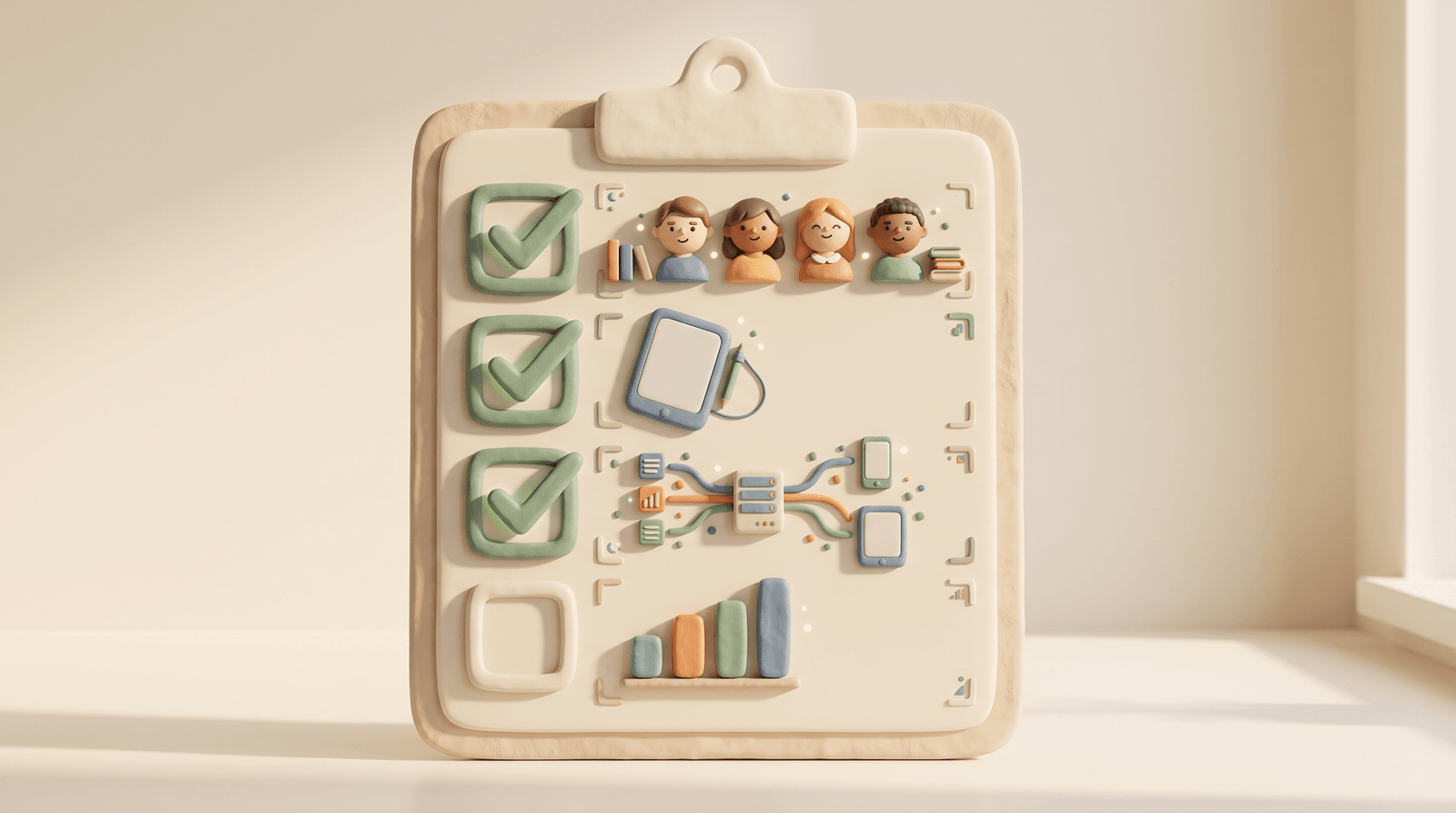
Order matters. First, students: a platform worth keeping accepts your class list as a CSV import — typing thirty names by hand is a sign of things to come. Second, devices: if your school uses shared tablets, set up device approval now, not the week something goes missing. Third, connections: link the platform to your LMS — with LTI 1.3 (Moodle, Canvas, Blackboard and others) or Google Classroom this is roughly a ten-minute job, and it means rosters and grades flow instead of being retyped.
Last, plan the year while it's still cheap to change: if your platform generates a year plan from your country's official curriculum, run it now and adjust freely — a draft plan in week one is a living document; the same plan in October is a museum piece. Then send parents one message that answers the three questions they'll otherwise ask separately: what app, why, and what data it collects.
Step three: baseline data from day one
The first two weeks of exercises are the most informative of the year — every child arrives with a different summer behind them, and normal practice quietly maps who kept what. A platform with real analytics turns this into a baseline without a testing week: you see per skill and per child where the class actually stands, which is the difference between differentiating from data and differentiating from gut feeling.
Set one goal per student group for the first term while the baseline is fresh — the analytics will tell you in November whether it worked. This is the part no messaging-first classroom app can do for you: behaviour points tell you who was noisy; skill analytics tell you who needs fractions before Christmas.
What Samio for Schools sets up in that afternoon
Samio for Schools was designed around exactly this checklist: CSV student import, per-classroom device approval, LTI 1.3 and Google Classroom integration in about ten minutes, and an AI planner that generates year plans, week outlines and lessons grounded in your country's official curriculum — not generic AI guesses. From the first week of exercises, the dashboard shows class-wide and per-child skill analytics, so the post-summer baseline builds itself.
Students use the same Samio app kids use at home — adaptive, ad-free, in 7 languages, with no personal data collected from children — so the engine that closes gaps in class keeps working after the bell. GDPR and COPPA compliance are built in, with a signable DPA for your administration.
Homeschooling? The same checklist, smaller
A homeschool is a one-teacher school, and the checklist shrinks accordingly: skip the LMS step, keep the baseline thinking. The Homeschool plan ($4.99/month, up to 10 students) gives you the same analytics dashboard and exercise library as a classroom, sized for a family — so "where are we actually at after summer?" is answered by data, not guesswork.
Pricing follows purchasing power: Samio's equity pricing ties school and homeschool prices to World Bank income tiers, so the same tools cost less where incomes are lower. Every plan — Homeschool, Classroom, School — starts with a 14-day free trial.
Start your 14-day free trial of Samio for Schools →
Frequently asked questions
What should a classroom app actually do in 2026?
More than messaging. A classroom platform earns its place if it covers exercises across subjects, real skill-level analytics per child, roster import, device management, and LMS integration — so data flows instead of being retyped. Behaviour points and parent chat are features, not a platform; if that's all a tool does, it's competing for your time with the tools that teach.
How long does it take to set up Samio for Schools?
About one afternoon for a class. CSV student import takes minutes, device approval is per-classroom, and the LMS connection — LTI 1.3 for Moodle, Canvas, Blackboard, Brightspace, Schoology and Sakai, or Google Classroom via OAuth — is roughly a ten-minute job. Generating the first AI year plan from your country's curriculum runs in the background while you do the rest.
What does Samio for Schools cost?
Three self-serve plans, all with a 14-day free trial: Homeschool at $4.99/month (up to 10 students), Classroom at $19/month (up to 60 students), and School at $159/month (up to 1,500 students). Equity pricing adjusts these by World Bank country income tier, so schools in lower-income economies pay up to 75% less. There's no contact-sales tier — prices are published.
Is Samio for Schools GDPR and COPPA compliant?
Yes — by design. Students' exercises run without collecting personal data from children, GDPR Article 15 export and account deletion are built in, consent is versioned, 60+ action types are audit-logged, and schools can sign a Data Processing Agreement on the spot. Device approval is per-classroom, so shared tablets stay under the teacher's control.